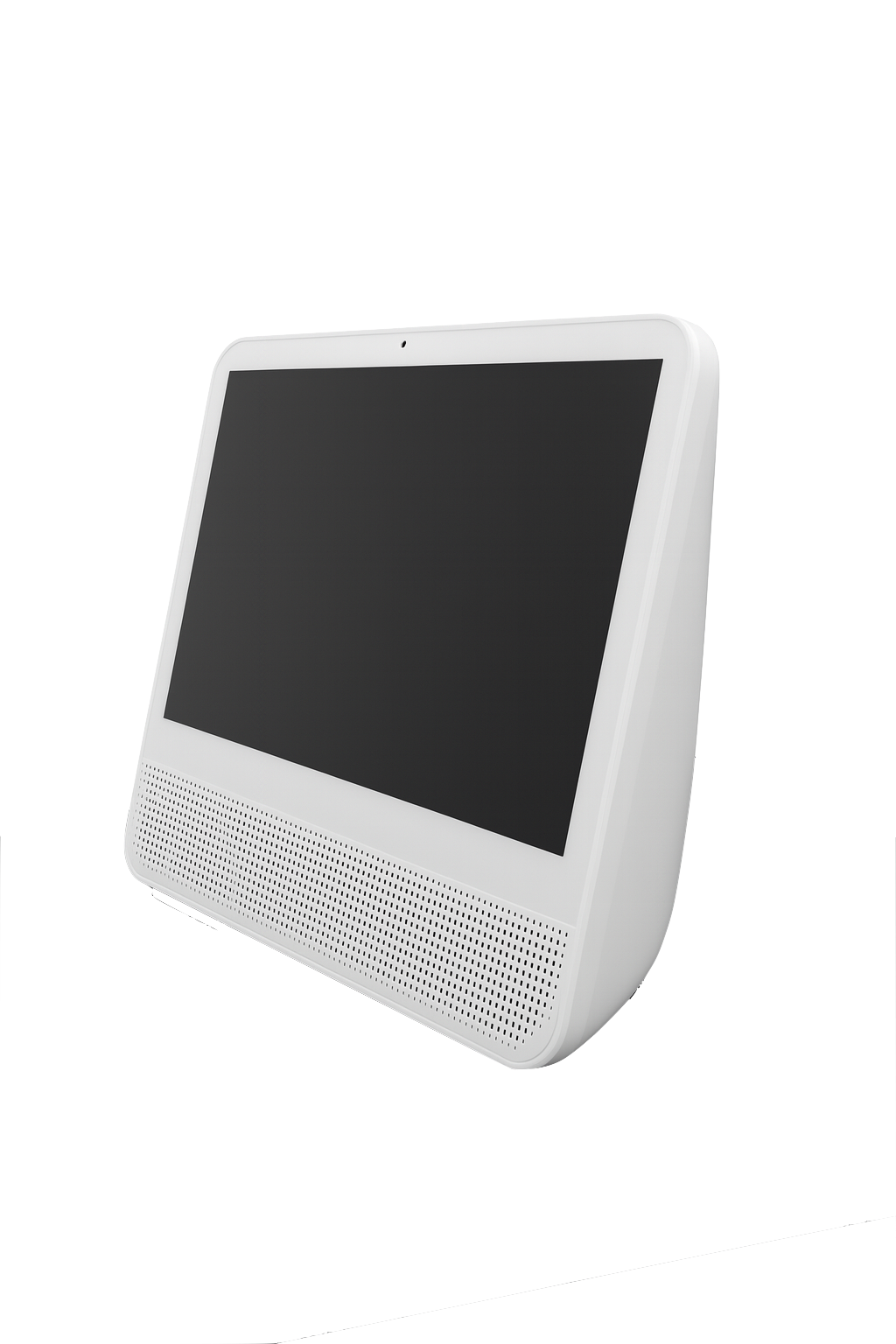
Countertop Customer Pickup Screen Gen 2
Couldn't load pickup availability

Return Policy Disclaimer:
All returns and replacements must be requested within 90 days of delivery. Customers are responsible for all return and replacement shipping costs. A 10% restocking fee applies to all returned items. Products must be brand new, unused, and in their original packaging with all parts and accessories included to qualify for a refund or exchange.
Product Spotlight
A compact solution designed to elevate the customer experience, the Customer Pickup Screen features a small footprint that fits easily on most countertops while delivering real-time order status updates and clear pickup announcements. Front-facing speakers ensure audible, attention-grabbing alerts, helping customers know exactly when their order is ready.
Tailored for convenience and efficiency, this display improves communication between staff and guests, reducing wait times and ensuring smoother, more organized pickups.
Product Information& Specs
-
What's Included
- 1 x Countertop CPS
- 1 x Power Cable
-
Weight & Dimensions
Total Weight: 10.2lb
Dimensions: 14.8in x 11.7in x 4.2in (L x W x H)
Boxed Dimensions: 17.5in x 6.25in x 16.5in (L x W x H)
Operating Temperature: 32°F ~ 104°F
-
Hardware Configuration
Assembly: No assembly required
Color Options:
- White
Mounting: Tabletop
-
Connection Methods
Internet Connection: Ethernet or WiFi
Power Connection:
- Standard US 120V outlet
- CPS power cable
Ports: Ethernet, USB & Power
-
Display
Screen Size: 15.6"
Resolution: 1920*1080
Touchscreen: Yes
-
Additional Information
Additional features:
- Front-facing speaker
Uses:
- Customer Pickup Screen
Product Dimensions
For questions regarding compatibility or fit within your restaurant, please review the detailed product dimensions.
Need Support?
Click the buttons below to learn more about our products and gain access to device setup guides. Setup guides are available for all products with detailed information, videos and step by step instructions.